5 Practical CRM Examples for Health & Wellness Professionals
Managing client relationships is the foundation of any successful health and wellness practice. As you grow, keeping track of inquiries, appointments, and client progress in spreadsheets or notebooks becomes inefficient. This is where a Customer Relationship Management (CRM) system becomes essential. A CRM helps you organize, automate, and streamline your client interactions so you can focus on providing care instead of getting lost in administrative tasks. This guide provides practical crm examples to show you exactly how this tool can support your practice.
What is a CRM, and Why Do Wellness Pros Need One?
A CRM is a software system that helps you manage all your communications and relationships with potential and existing clients. Think of it as a centralized database for every interaction someone has with your practice. It stores contact information, communication history, appointment dates, and personal notes in one organized place.
For a functional medicine doctor, health coach, or registered dietitian, this is incredibly valuable. Instead of searching through emails and notes to recall a client's history, you can see their entire journey at a glance. A CRM can automate repetitive tasks like sending appointment reminders or follow-up emails, saving you hours each week and ensuring no one slips through the cracks.
5 Practical CRM Examples for Your Practice
Understanding the concept of a CRM is one thing, but seeing how it works in practice is much more helpful. Here are five practical CRM examples that apply directly to a health and wellness business.
1. Streamlining New Client Onboarding
When a new client signs up, you likely have a standard process that includes sending a welcome packet, intake forms, and scheduling their first appointment. A CRM can automate this entire sequence. Once you add a new client to the system, it can trigger a workflow that sends a welcome email, provides a link to your online forms, and prompts them to book their initial consultation through an integrated calendar. This creates a professional and organized first impression without any manual effort from you.
2. Automating Appointment Reminders and Follow-ups
No-shows can be a significant drain on your practice's revenue and schedule. A CRM can integrate with your calendar to automatically send email or text reminders to clients 24 or 48 hours before their appointment. After a session, it can also send a follow-up email with a summary of your discussion, links to resources, or a request for a testimonial. This consistent communication helps improve client accountability and engagement.
3. Tracking Client Progress and Communication History
A CRM provides a single view of every client. You can log notes from each call, track their progress toward their health goals, and see a complete history of every email you have exchanged. This context is critical for providing personalized, effective care. Before a follow-up appointment, you can quickly review your notes to prepare, making your sessions more productive and demonstrating to your client that you are attentive to their journey.

4. Segmenting Your Audience for Targeted Communication
Your email list probably contains a mix of prospective clients, current clients, and past clients. A CRM allows you to 'tag' or segment contacts based on their status or interests. For instance, you could send an email about an upcoming gut health workshop only to contacts tagged with 'digestive issues'. This targeted communication is much more effective than sending generic newsletters to everyone, as it delivers relevant value directly to the people who need it most.
5. Managing Discovery Call Pipelines
A CRM can give you a visual pipeline to track prospective clients from initial inquiry to a booked discovery call. You can see who has filled out your contact form, who has been sent an introductory email, and who is ready to book. This helps you stay organized and follow up with leads in a timely manner, which increases the chance of converting them into paying clients. If you notice a high number of leads are not booking calls, it may signal an issue in your process, often referred to as the discovery call gap.
Key CRM Features for Health Coaches and Practitioners
When evaluating CRM options, certain features are particularly useful for a health and wellness practice. Look for a system that includes:
- Contact Management: A centralized database to store all client information, notes, and communication history.
- Scheduling Integration: The ability to connect with your calendar (like Google Calendar or Acuity) to manage appointments and automate reminders.
- Email Automation: Tools to build simple, automated email sequences for onboarding, follow-ups, and nurturing leads.
- Task Management: A way to create to-do lists and assign yourself tasks related to specific clients, such as 'Follow up with Jane Doe about her lab results.'
- Reporting and Analytics: Basic reports that show you how many new leads you have, your conversion rates, and other key client acquisition metrics that matter for your practice.
How to Connect Lead Generation with Your CRM
Your CRM is most powerful when it works automatically with your lead generation efforts. Manually entering contact information from your website's contact form into your CRM is time-consuming and prone to error. A better approach is to connect your lead sources directly to your CRM.
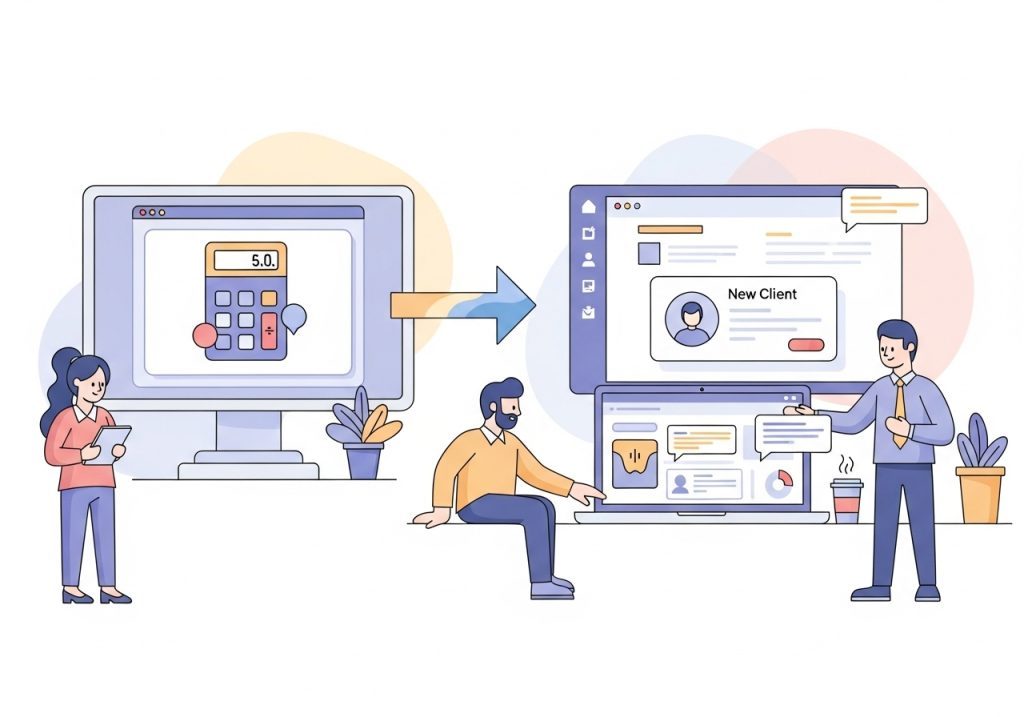
For example, an interactive tool on your website can capture highly qualified leads. While simple quizzes can be popular, many practitioners find that health calculators beat quizzes for lead generation by providing immediate, personalized value. When a visitor completes a 'Wellness Score' or 'Hormone Health' calculator, their name, email, and results can be sent directly to your CRM through an integration. The system can then automatically tag them based on their results and trigger a relevant email nurture sequence. This creates a smooth and immediate experience for the potential client and saves you from administrative work.
Choosing the Right CRM for Your Business
There are many CRM options available, from industry-specific platforms like Practice Better to general-purpose tools like HubSpot or Keap. The best choice depends on your practice's specific needs, budget, and technical comfort level. Start by identifying your most significant administrative pain points and look for a system that solves them. Consider what you need to track, which tasks you want to automate, and how the system will integrate with the other tools you already use, like your calendar and email marketing service.
Ultimately, a CRM is a tool to help you build stronger relationships with your clients and run a more efficient practice. By automating the administrative side of your business, you free up more time to do what you do best: helping people achieve their health goals. Integrating a high-value lead generation tool is the first step in filling your new, efficient system with qualified prospects ready to book a call.
Ready to Fill Your CRM with Qualified Leads?
A well-organized CRM is only as good as the leads you put into it. LeadCalculators helps you attract and qualify your ideal clients with interactive calculators that deliver instant, personalized value. Our tools integrate with your favorite CRM, automatically creating new contacts and starting the nurture process for you. See how easy it is to turn curious website visitors into booked discovery calls.
Explore our calculator templates and start your free trial today.